



Using Claude Locally in 2026: Desktop, Code, and Fully Offline - What Actually Works
- 12 min read
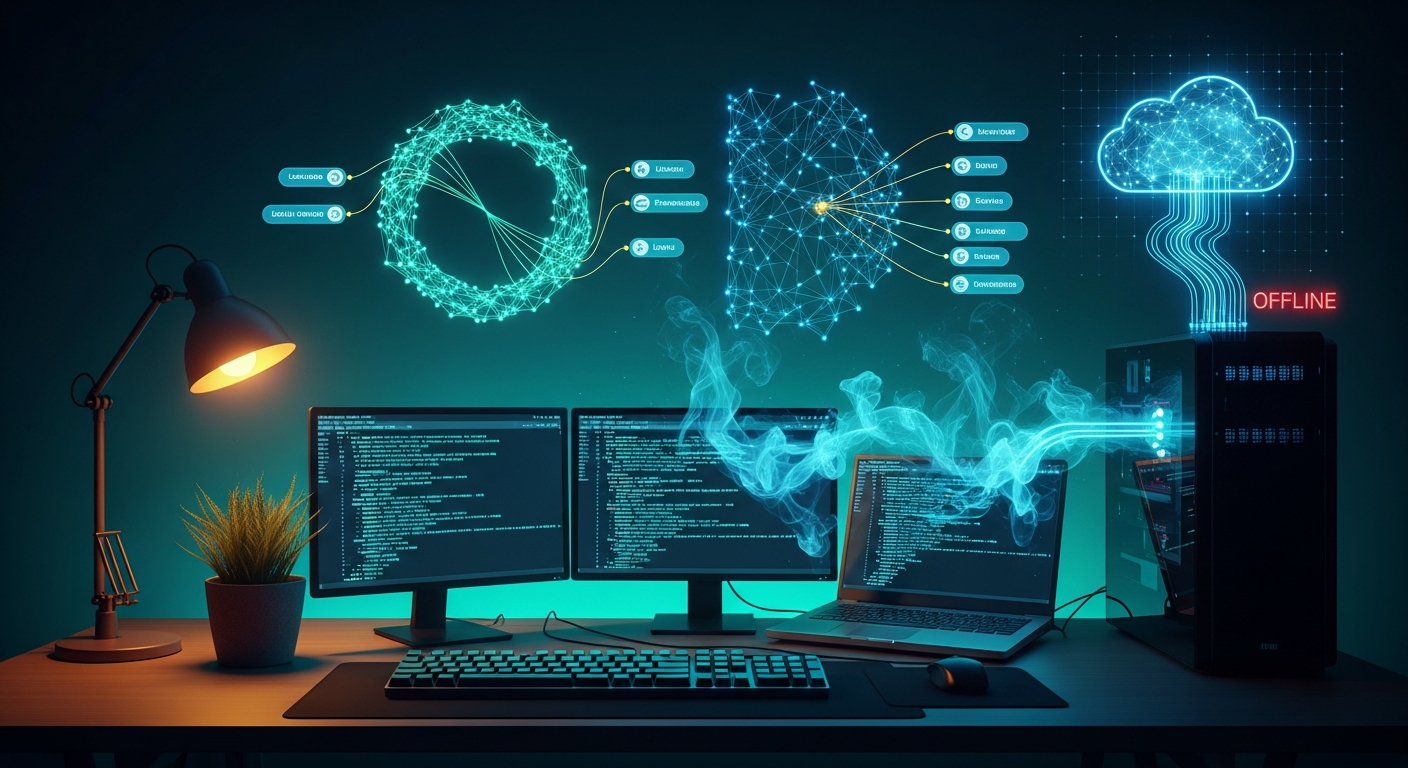
People keep asking some version of the same question: can I run Claude without it phoning home? Can I point it at a local model? What happens if I just… disconnect?
I have been running Claude Code against local models since early 2025 - first with a clunky Flask proxy, now with three environment variables and a single ollama pull. The landscape has shifted a lot since then, and in 2026 the answer to “can I run Claude locally” depends heavily on which Claude product you’re asking about.
Here is the complete picture: what works, what doesn’t, and what to do when you need zero cloud dependency.
The Honest Answer First
Anthropic has not released Claude’s model weights. They have no plans to. All inference for the actual Claude model runs on Anthropic’s servers - there is no GGUF file to download, no local version to install.
What has changed is that Claude’s tools - Claude Code (the CLI) and Claude Desktop (the app) - can be redirected to point at a local inference server running an open-weight model instead of api.anthropic.com. You are not running Claude locally. You are running Claude’s agent framework against a different model that lives on your machine.
For most practical purposes - privacy, cost, offline capability - the distinction matters less than you’d think. For the quality comparison, it matters a lot, and I’ll cover that at the end.
Claude Code + a Local Model (The Easy Path)
I covered this in detail earlier this month, but the short version: Ollama v0.14.0 (January 2026) added a native Anthropic Messages API endpoint. No proxy, no Flask server, no translation layer. Three environment variables and you’re done.
unset ANTHROPIC_API_KEY
export ANTHROPIC_BASE_URL="http://localhost:11434"
export ANTHROPIC_AUTH_TOKEN="ollama"
export OLLAMA_CONTEXT_LENGTH=64000

claude --model qwen3-coder
The context length line is not optional. Ollama’s default context is 4096 tokens on machines with under 24 GB VRAM (it scales up automatically if you have more), which breaks almost everything Claude Code tries to do. Set it to at least 32768; 64000 is the value Ollama’s own docs recommend for agentic workloads.
Model picks by hardware:
| RAM / VRAM | Model | Command |
|---|---|---|
| 16 GB | gemma4:26b-a4b | ollama pull gemma4:26b-a4b |
| 16 GB (coding focus) | qwen2.5-coder:14b | ollama pull qwen2.5-coder:14b |
| 24 GB | qwen3-coder:30b | ollama pull qwen3-coder:30b |
| 32 GB+ | devstral-small-2 | ollama pull devstral-small-2 |
LM Studio 0.4.1+ works identically - it added its own Anthropic-compatible endpoint. Point ANTHROPIC_BASE_URL at http://localhost:1234 instead and you’re set.
Claude Desktop + a Local Model (The Newer, Buggier Path)
In May 2026, Anthropic shipped “Cowork on 3P” - a third-party inference gateway built directly into Claude Desktop. You can now swap Anthropic’s backend for any OpenAI-compatible endpoint, including localhost.
There are two fundamentally different approaches here, and they work very differently.
Approach A: Replace Claude with a Local Model (Third-Party Gateway)
This is what most people searching “claude desktop local llm” are looking for. Claude Desktop sends requests to your local server instead of api.anthropic.com.
Setup:
- Open Claude Desktop - Help - Troubleshooting - Enable Developer Mode
- Developer - Configure Third-Party Inference
- Set these fields:
- Inference provider:
Gateway (Anthropic-compatible) - Gateway base URL:
http://localhost:11434(Ollama) orhttp://localhost:1234(LM Studio) - API key:
ollama(local servers don’t validate it, but the field can’t be empty) - Auth scheme:
bearer
- Inference provider:
- Under Model list, enter your model identifier (e.g.
qwen3:30b) - Apply locally - Relaunch now
- At the login screen, choose “Continue with Gateway”
The catch: As of late May 2026, there is a known bug where Claude Desktop’s model validator requires capabilities and context_length fields in the /v1/models response that raw Ollama doesn’t include. The error looks like: Gateway /v1/models returned 0 usable models { rawCount: 39 }.
The workaround is to run LiteLLM as a thin proxy between Claude Desktop and Ollama. It adds the missing metadata fields automatically:
pip install litellm
litellm --model ollama/qwen3:30b --port 4000
Then point Claude Desktop’s gateway URL at http://localhost:4000 instead of pointing it at Ollama directly. Do not use port 11434 here - that is Ollama’s own port and the two will conflict.
What you lose on this path:
- Connectors (Google Drive, GitHub) show as “Unavailable” - they depend on Anthropic’s infrastructure
- Web search is unavailable
- Tool calling is unreliable with non-Claude models
- Your data does stay local (the whole point)
Approach B: Claude Keeps Running in the Cloud, Ollama Becomes a Tool (MCP Bridge)
This is the more stable approach, but it’s architecturally different from what most people expect. Claude itself still runs on Anthropic’s servers. What changes is that Claude gains the ability to call your local Ollama instance as a tool - for running sub-tasks, generating embeddings, or delegating specific prompts to a local model.
This does not give you privacy. Claude still processes everything on Anthropic’s servers. What it gives you is access to multiple models from one interface.
The simplest MCP setup uses ollama-mcp, which installs via npx:
Add this to ~/Library/Application Support/Claude/claude_desktop_config.json (macOS) or %APPDATA%\Claude\claude_desktop_config.json (Windows):
{
  "mcpServers": {
    "ollama": {
      "command": "npx",
      "args": ["-y", "ollama-mcp"],
      "env": {
        "OLLAMA_HOST": "http://localhost:11434"
      }
    }
  }
}
Restart Claude Desktop completely. Claude can now call ollama_chat, ollama_generate, ollama_list_models, and other tools conversationally.
For LM Studio instead of Ollama, local-llm-mcp-server is the equivalent:
git clone https://github.com/georgepok/local-llm-mcp-server.git
cd local-llm-mcp-server
npm install && npm run build
Then add the built server path to claude_desktop_config.json.
Anthropic also introduced a .mcpb extension format that avoids JSON editing entirely - download the file from the repo’s Releases page, install it via Claude Desktop’s Extensions panel, and configure the server URL through the GUI.
Claude Code vs Claude Desktop: Side-by-Side
| Claude Code CLI | Claude Desktop (Gateway) | Claude Desktop (MCP bridge) | |
|---|---|---|---|
| Local model replaces Claude | Yes | Yes (LiteLLM workaround needed) | No |
| Data stays on device | Yes | Yes | No - Claude processes it |
| Connectors (Drive, GitHub) | N/A | Unavailable | Available |
| Web search | N/A | Unavailable | Available |
| Tool calling reliability | Model-dependent | Unreliable | Reliable (Claude handles it) |
| Setup complexity | Low | Medium | Low |
When You Need Zero Cloud Dependency
Sometimes the requirement is not just a local model - it’s no external network calls at all. Regulated industries, air-gapped environments, or situations where even the agent framework phoning home is a problem.
The options in this category are not “Claude with a local model” - they’re separate tools with their own approaches. The ones worth knowing in 2026:
Ollama + Open WebUI - The most widely deployed self-hosted setup. Ollama runs the model and exposes a local API; Open WebUI provides a browser-based interface with conversation history, model switching, document upload, and RAG. Entirely offline once models are downloaded. Good Claude.ai replacement for general use.
Continue.dev - The strongest offline option for developers who want in-editor integration. Works in VS Code and JetBrains, supports Ollama and LM Studio backends, has chat, autocomplete, edit, and agent modes. Apache 2.0 licensed. Free for solo developers.
Aider - Terminal-based AI pair programming tool, model-agnostic, with native Ollama support (aider --model ollama_chat/<model>). Works interactively on your codebase from the terminal. Good fit if you want a coding assistant experience that is fully self-contained with no cloud dependency.
Goose - Block donated Goose to the Linux Foundation’s Agentic AI Foundation in April 2026. Desktop app and CLI, integrates with VS Code and JetBrains, supports Ollama natively. The institutional backing suggests it’ll be maintained long-term.
LM Studio - Best option for non-technical users who need local models. Full GUI, built-in model browser, no command line required. The 0.4.1+ Anthropic-compatible API server means anything that talks to Claude Code can also talk to LM Studio.
Jan.ai - Open-source LM Studio alternative (Apache 2.0), desktop app with model hub and local API server.
What Actually Breaks (The Reality Check)
Running Claude Code against a local model works well for a lot of tasks. It is not equivalent to running it against Anthropic’s Claude. Some concrete things to know:
Context window - the most common failure mode. Ollama’s default context is 4096 tokens on machines with under 24 GB VRAM. Claude Code’s agentic loop routinely needs 32K-65K tokens just to hold the project context. If things feel broken or Claude Code stops mid-task for no obvious reason, check your context window setting first. Set OLLAMA_CONTEXT_LENGTH=64000 before starting.
Tool calling reliability. Local models produce malformed JSON tool calls more often than Claude. Models using Jinja chat templates (Gemma 4 requires the --jinja flag in llama.cpp) avoid the worst of this. If you see raw text where you expected a tool call, the model is not formatting correctly. Switching models often fixes this faster than debugging configuration.
Speed. Local models on consumer hardware run at roughly 15-25 tokens per second. Cloud Claude streams at 60-80+ tokens per second. Response latency goes from 2-5 seconds to 10-60 seconds depending on model size and hardware. For interactive work this is noticeable; for background tasks it doesn’t matter.
Agentic loop fidelity. For routine coding tasks - single-file edits, code analysis, explaining logic - purpose-built models like Qwen3-Coder and Gemma 4 are in the 85-90% range compared to cloud Claude. The gap is real but smaller than you might expect. Where it shows up: complex multi-step reasoning, whole-repository refactors, and recovering from wrong assumptions mid-task. The more documented your project (CLAUDE.md files, explicit conventions), the more the gap closes.
Prompt caching. Not available with any local backend. Your effective cost calculation changes significantly if you were relying on Anthropic’s prompt cache hitting 90%+ on large codebases. I covered the full math on this in the local LLM inference investigation.
What to Actually Do
If you want Claude Code working locally today:
ollama pull qwen3-coder      # or your hardware-appropriate model
unset ANTHROPIC_API_KEY
export ANTHROPIC_BASE_URL="http://localhost:11434"
export ANTHROPIC_AUTH_TOKEN="ollama"
export OLLAMA_CONTEXT_LENGTH=64000
claude
If you want Claude Desktop with a local model: Enable Developer Mode, configure the third-party gateway, run LiteLLM as a proxy if you hit the model validation bug. Expect rough edges on tool calling.
If you want Claude Desktop to call a local model as a tool (while Claude itself stays cloud):
Add ollama-mcp to claude_desktop_config.json. Restart. It works reliably.
If you need zero cloud dependency: Ollama + Open WebUI for general use. Continue.dev for in-editor coding. Aider or Goose for terminal-based agentic work.
The local model quality bar has crossed the threshold where this is worth doing seriously. The setup is no longer the hard part.
Related Reading
- The Revolt Against Bloat: What Happens When a Builder Gets Tired of Bad Software
- Your AI Tooling Budget Is Already Unsustainable
- Fractional CTO vs Full-Time CTO: Do You Really Need to Hire Full-Time?
Thinking through local AI infrastructure or model routing for your team? Let's talk through the tradeoffs.
Schedule a Call
